TENANT SERVICES
Pay rent, request maintenance, and get answers -
all through the Tenant Portal.
A Smooth Rental Takes Teamwork
Our job is to keep the home safe, functional, and protected - coordinating vendors, tracking repairs, documenting work, and communicating clearly so issues don’t stall or escalate. The Tenant Portal is how we do this efficiently: it routes requests, keeps a written record, and helps us act quickly.
What we need from residents is simple: treat the home responsibly and report issues early. When you do, we can get on it fast, prevent small problems from becoming expensive ones, and keep the home comfortable and stable.
What teamwork looks like from you:
- Use the Tenant Portal for requests and questions so nothing gets missed
- Report maintenance issues early
- Share clear details and photos so vendors arrive prepared
- Care for the home and avoid preventable damage
So we can do our job well:
- Track and document the work from start to finish
- Dispatch vendors quickly and keep repairs moving
- Communicate updates clearly and keep decisions organized
- Maintain a safe, functional, well-kept home
Rental Requirements & Screening Standards
We apply clear screening standards to create stable tenancies and protect the home. When expectations are consistent on the front end, the relationship works better for everyone.
Requirements include:
- Credit: 650+ (or a qualified co-signer, depending on the situation)
- Income: verifiable household income of ~3× the monthly rent
- Rental insurance: $100,000 of coverage by day of move in
- Background screening: standard screening consistent with applicable fair housing rules
- Application completeness: all adults (18+) submit applications and documentation
Requirements may vary slightly by property and are applied consistently based on the written rental criteria for each listing.
Best way to reach us: use the portal.
YOUR TENANT PORTAL
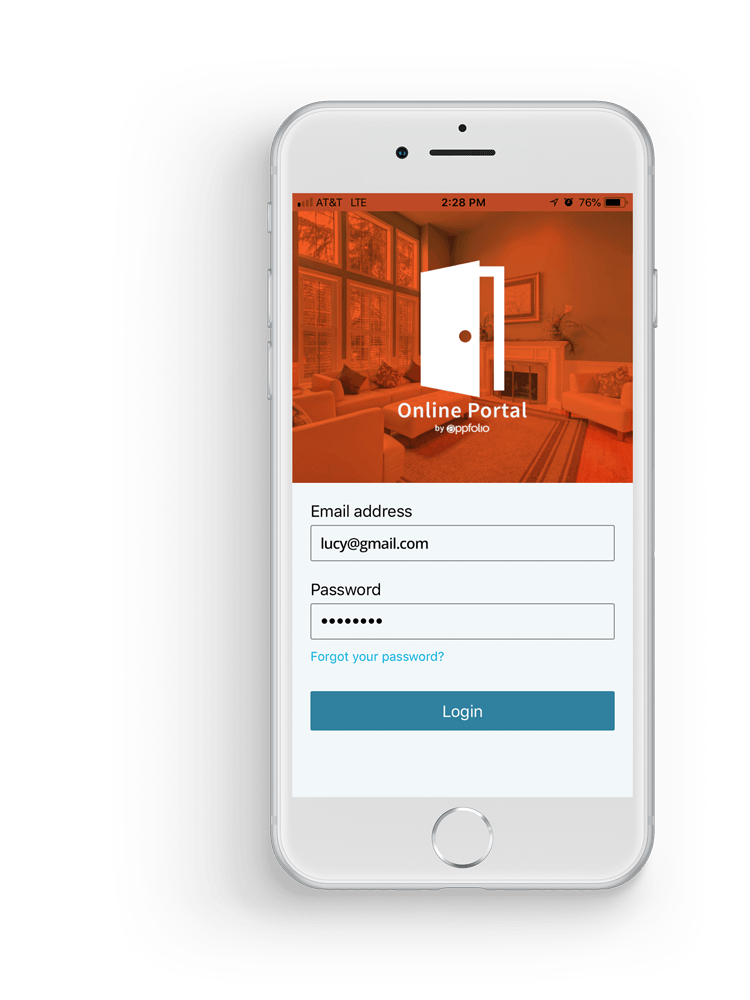
Tenant Portal

Tenant FAQ
How do I submit a maintenance request so it gets handled fastest?
Use the portal and include:
- What’s happening + exact location
- Photos/video
- Whether water is involved
- Any access notes (pets, gate codes, best time)
Clear details mean faster triage and the right vendor on the first trip.
How long do repairs take?
It depends on the issue, parts availability, and vendor scheduling. We triage in order of safety and potential damage. The portal is the best place to track updates because everything stays documented in one thread.
I submitted a request - should I also call?
Usually, no. Submitting through the portal is what routes the issue correctly.
Call only if it’s a true urgent property situation (active flooding, electrical hazard) or if we specifically request a call.
What are the expectations for caring for the home?
A smooth rental takes teamwork. Residents are expected to care for the home and avoid preventable or negligent damage - especially by reporting issues early.
Looking for a rental?
If you’re shopping for a home (or a friend is), start here: Find a Home.
What do I do during an emergency?
Life/safety = 911 first. Active damage = stop it if you can, then portal. Fast attention = portal request marked “Urgent.”
If there is fire, blood, violence, medical danger, or immediate threat to life/safety, call 911. We are not emergency services. If you smell gas, leave the home immediately - do not troubleshoot. Once you’re safe, contact the proper authorities. Submit a portal update after, so we can document and coordinate follow-up.
If the home is actively flooding, there’s an electrical hazard, sewage backup, or a security issue, then take a safe first step if you can (shut off water/breaker), then submit a maintenance request in the Tenant Portal right away with photos/video. If it’s severe and actively causing damage or a safety risk, call after submitting.
For issues that need fast attention but aren’t 911 - like A/C out during hot weather, leaks that are controlled but ongoing, pests, or mold concerns - submit a portal maintenance request and mark it Urgent, including clear details and photos.
My heat or A/C isn’t working - what should I do?
Submit a portal maintenance request with:
- Thermostat settings and what it’s doing (or not doing)
- Any error codes
- Whether it’s blowing air, and whether it’s hot/cold
- Photos of the thermostat and any visible equipment labels
If there’s extreme weather or a safety concern, note that in the request and mark it Urgent
Smoke/CO detector is chirping - what does that mean?
Most commonly it’s a low battery. Replace the battery if it’s tenant-responsibility per your lease. If the unit continues to chirp or shows a fault indicator, submit a portal request.
Do not disable safety devices.
How do I pay rent?
Use the Tenant Portal for payments and payment history. If you have questions about settings, autopay, or payment timing, message us through the portal so we can keep it documented.
Do I need renter’s insurance?
Yes. All of our properties require $100,000 of tenant liability coverage.
Ask about our tenant insurance package.